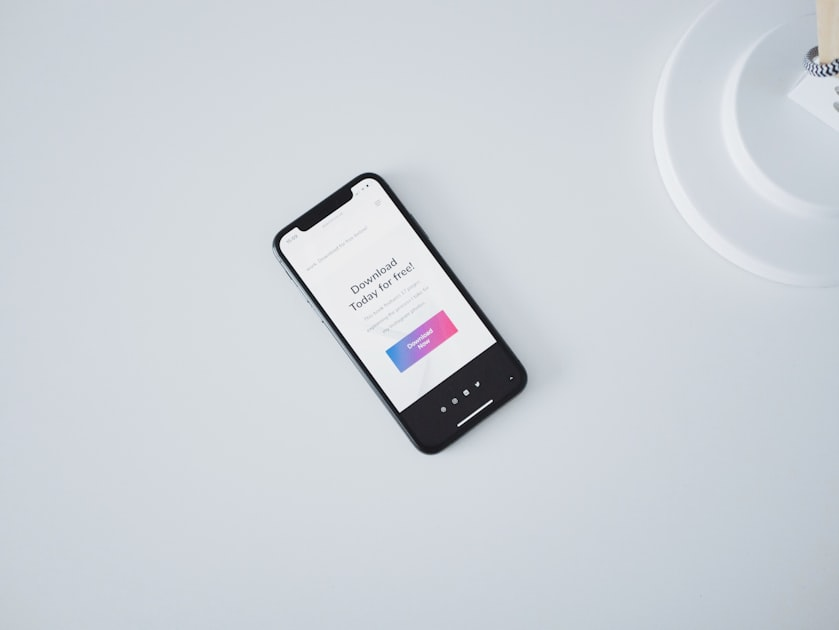
Get Started with the Crimson Mobile App
Installing the Crimson Mobile App is the first step towards a more engaged and structured Bible study experience. Follow these simple steps to get started.
How to Install
- Visit the App Store or Google Play.
- Search for “Crimson Mobile App”.
- Download and install the app.
- Create your account and start your journey!